Engineering-grade burn-in protection — including in borderless fullscreen games

Protect Your OLED Display

GPU-accelerated, content-aware burn-in protection that keeps working inside borderless fullscreen games. Per-pixel exposure modelling — typically less than 1% GPU overhead.

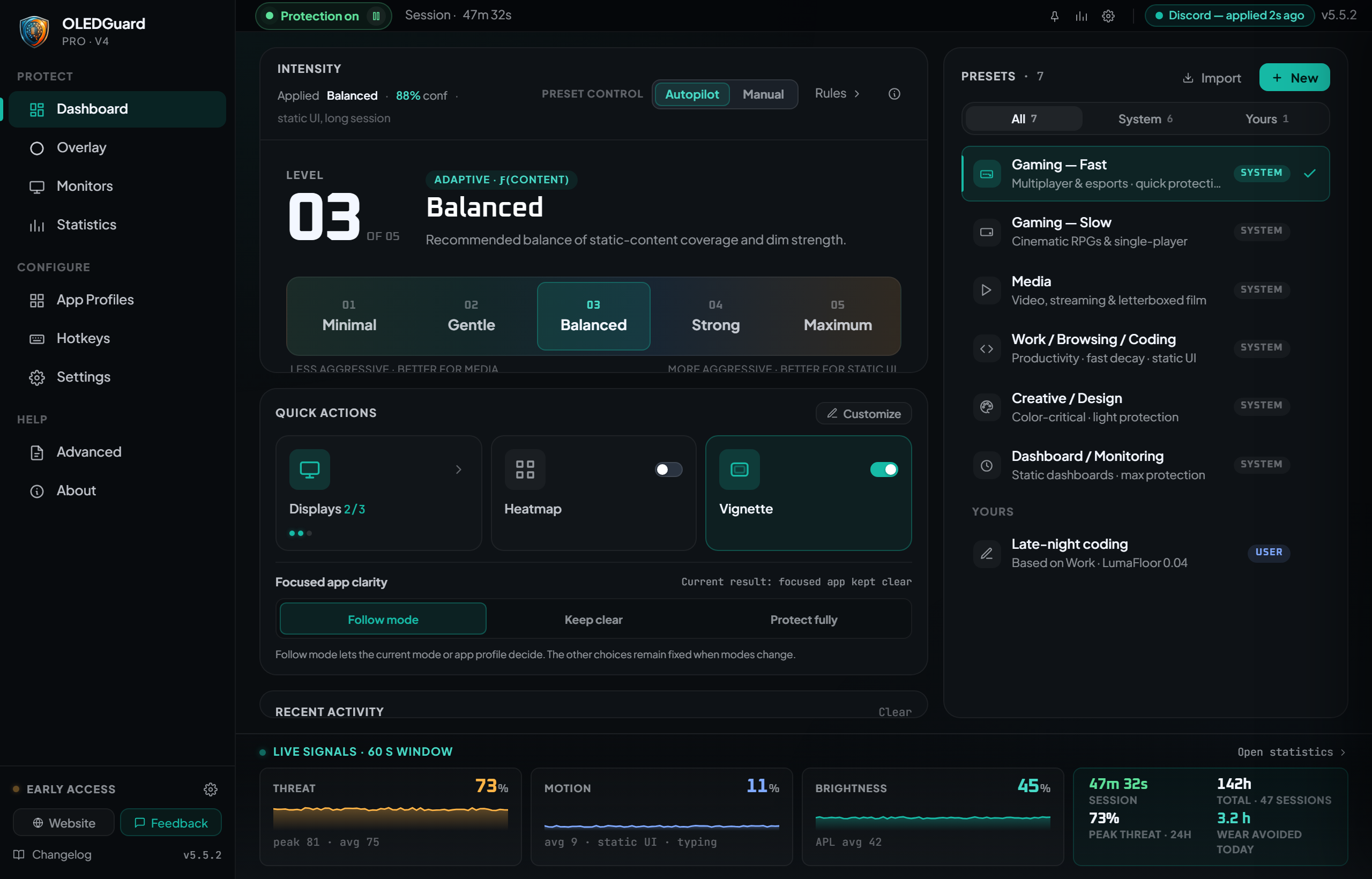
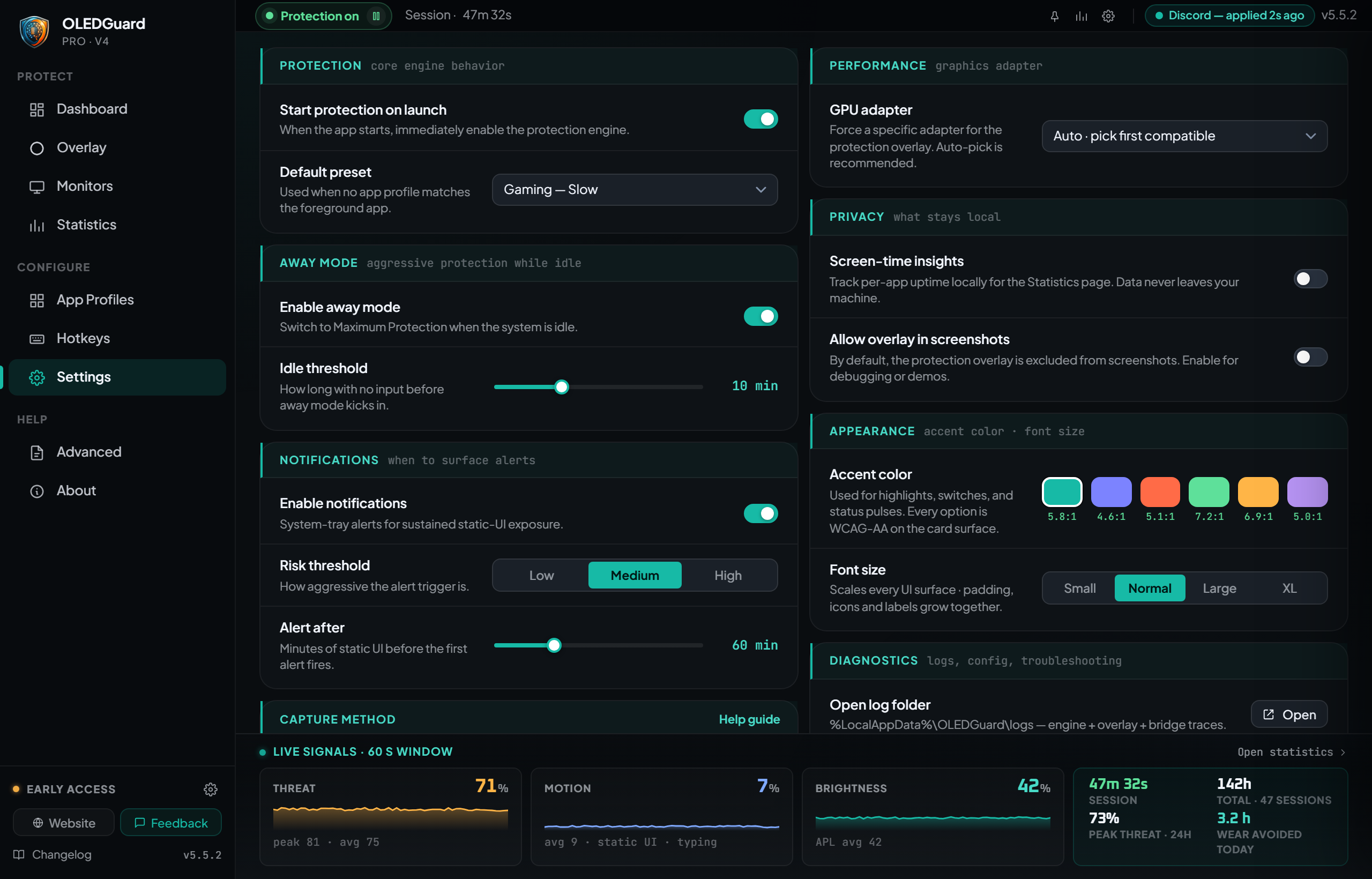
01 / 07 · Dashboard

Live protection at a glance.

OLED Guard Pro — Dashboard

Everything Your OLED Needs

Comprehensive protection built by OLED enthusiasts, for OLED enthusiasts.

GPU-Accelerated Protection

DirectX 11 overlay renders at native resolution with zero gaming performance impact.

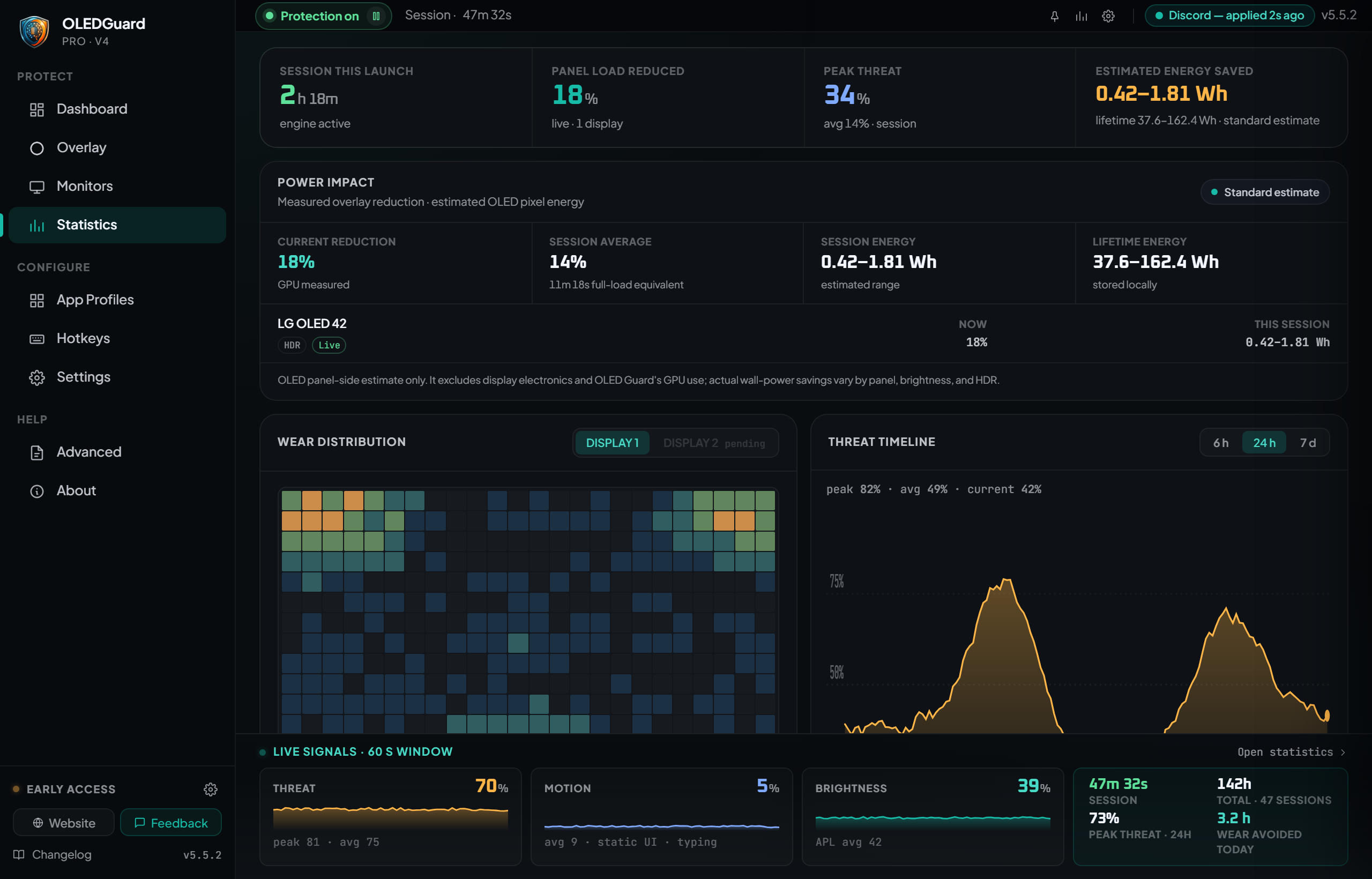
Real-Time Exposure Tracking

Monitors pixel brightness continuously with configurable sensitivity and stabilization.

Gaming Mode

Edge-weighted protection with center delay — protects HUD elements while keeping gameplay clear.

Multi-Monitor Support

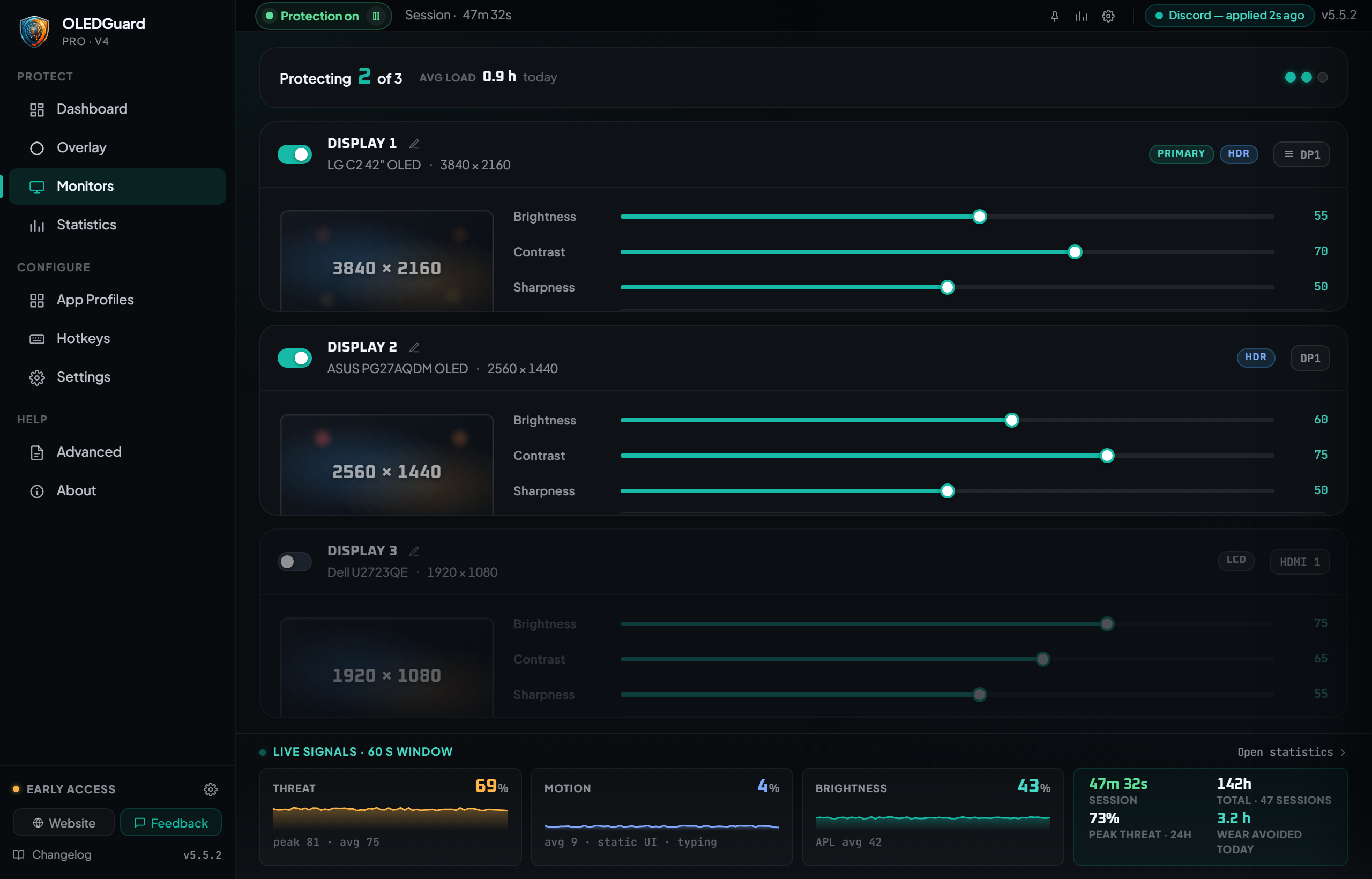
Independent overlays per display with DDC/CI brightness and contrast control.

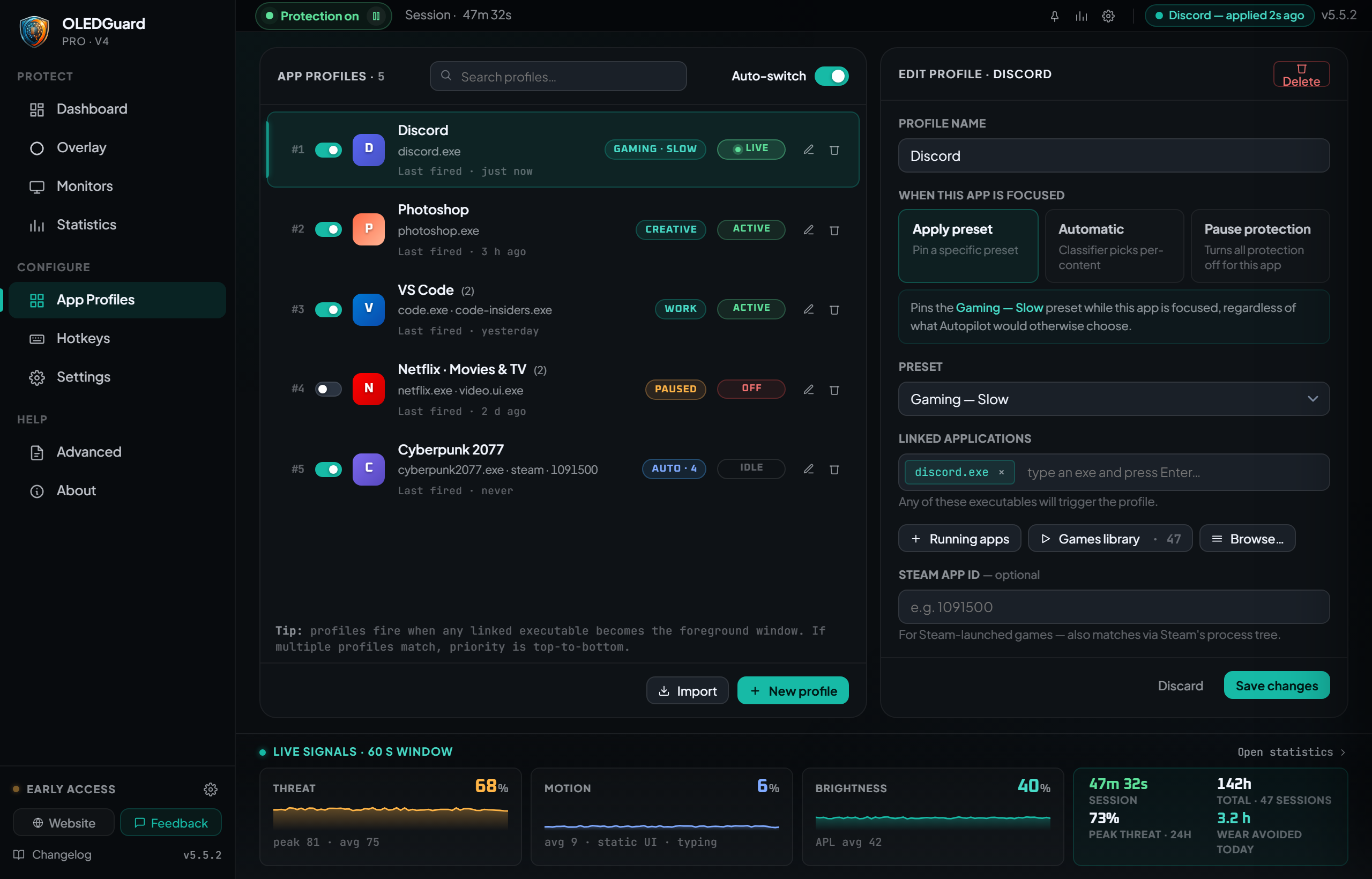
Per-App Profiles

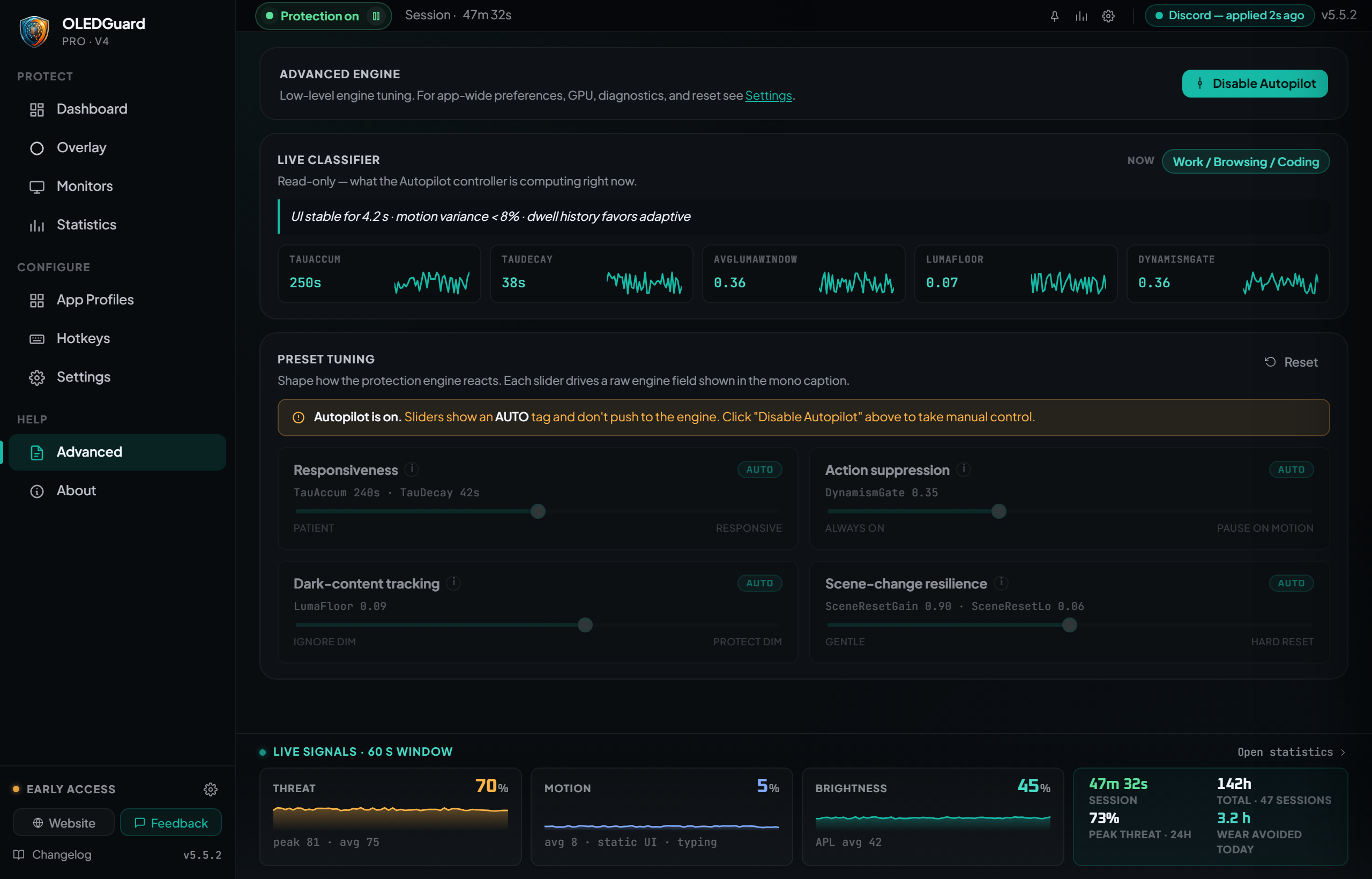
Automatic preset switching when apps launch — different settings for browsing, coding, and gaming.

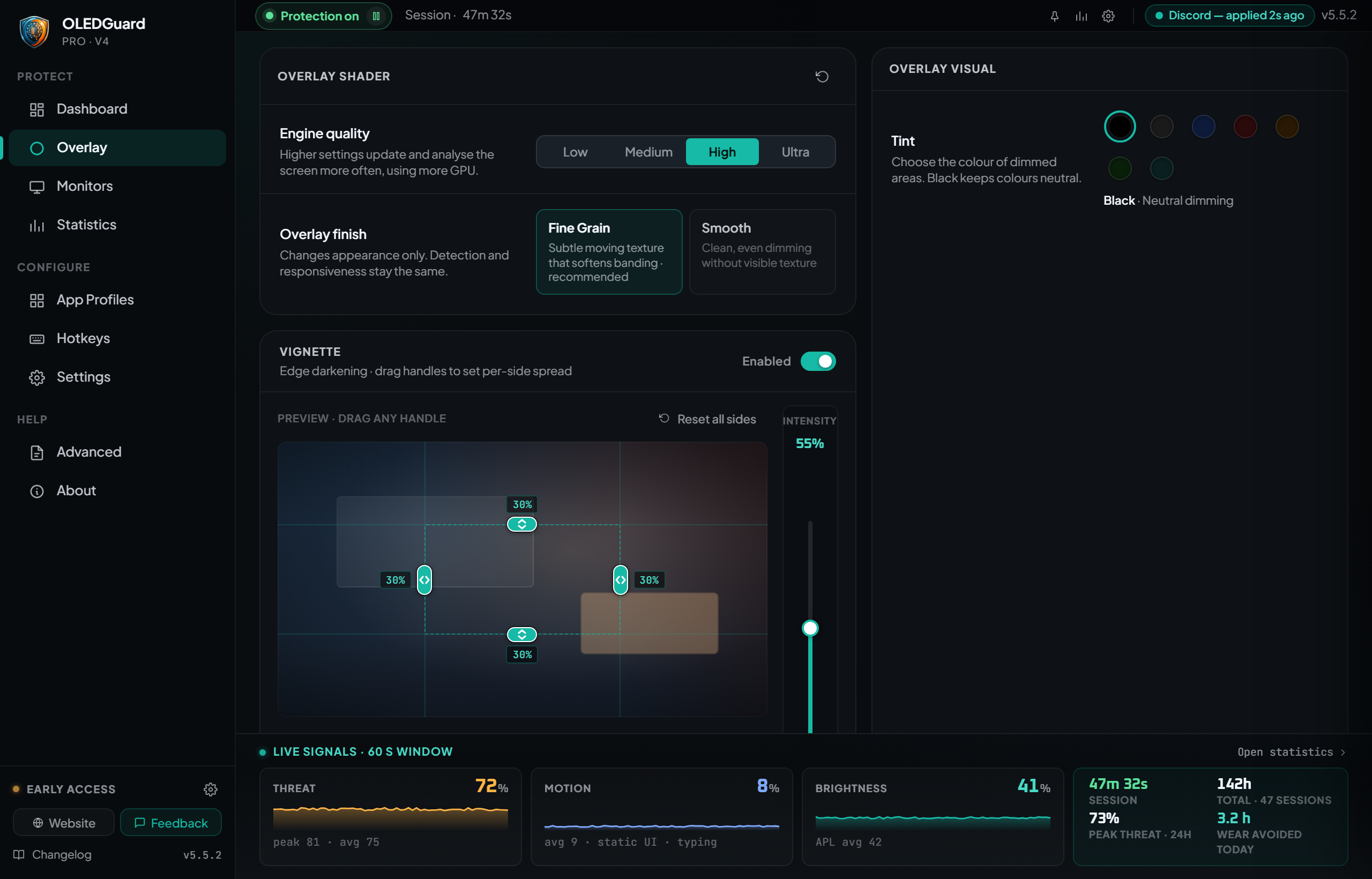
Eye Health Dimming

Reduce screen brightness with customizable overlay colors for comfortable extended use.

Inside the engine

Built around the physics that cause burn-in

Most “OLED care” tools wave at the problem — periodic screensavers, blanket dimmers, pixel shifters. OLED Guard models the actual quantity that drives panel aging and pushes back where and when the model says risk is building.

EXPOSURE: integral of luminance × time, per pixelPROTECTING
The model

Per-pixel exposure, accumulated in real time

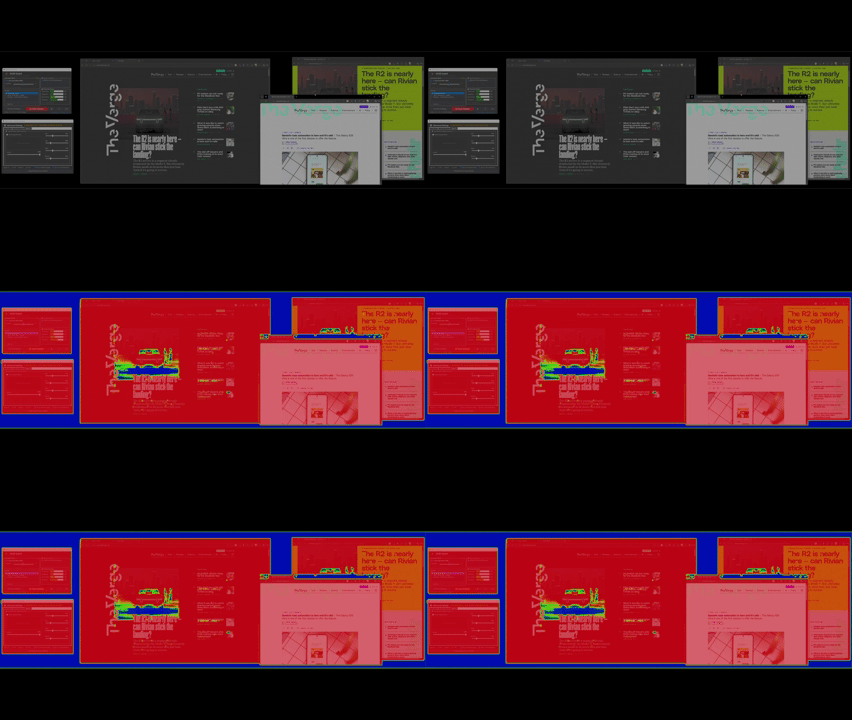
Burn-in is luminance multiplied by time on the same pixel. The engine runs that integral every frame, on the GPU, for every pixel on every connected display. Hot regions cool when content moves; static elements like HUDs and taskbars build up exposure that the protection overlay can react to.

1920 × 1080 pixels · updated 60–240 Hz · entirely on GPU
DYNAMICmotion: HIGH · pass-throughΔSTATICHUDmotion: 0% · protecting
The intelligence

Motion-gated — only protect what's actually at risk

Blanket-dimming a whole screen is what screensavers do. The engine looks at per-pixel motion every tick and lets dynamic regions through untouched, so video, gameplay, and scrolling feel exactly like they always have. Static content is what the overlay focuses on, because static content is what burns in.

Per-pixel motion envelope · 60 ms response · zero protection on dynamic regions

HP 72/10042 / 96AMMOSCORE12 480INNER SAFE ZONE · clearPROTECTION FIELDradius · 38% · falloff smooth
Gaming mode

Edge-weighted protection — HUDs first, gameplay untouched

Game HUDs live at the edges — health bars, minimaps, ammo counts, scoreboards. The action happens in the centre. Gaming mode shapes the protection field so the radial periphery gets the most help while a configurable inner zone stays clear. Tune the radius per game.

Smooth radial falloff · per-game profile · ~0% perceptual cost in-frame

GPU-RESIDENT · zero CPU round-tripCAPTUREDXGI0.4 msMODELexposure shader0.3 msCOMPOSITEDWM premul-alpha0.5 msTOTAL PER FRAME~ 1.2 msof a 16.6 ms / 60 Hz frame budget · ≈ 7%< 1% GPU
The pipeline

GPU-resident capture → analyse → composite

Frames captured by DXGI Desktop Duplication never leave the GPU. They flow into a shader that updates the exposure histogram, then into a second shader that renders the protective overlay, which DWM composites back onto your desktop using premultiplied alpha. CPU round-trips: zero.

Capture · model · composite — typically under 1 ms total per display

How It Works

Get started in under a minute. No configuration required.

01

Install

Download from Steam or Microsoft Store. One-click setup.

02

Configure

Pick a preset or let Automatic Mode handle everything for you.

03

Forget It

OLED Guard runs silently in your system tray, protecting 24/7.

See It in Action

A polished interface designed for power users and beginners alike. Click any screenshot to enlarge.

OLED Guard Pro demo

Real-time content-aware protection in action

Get OLED Guard Pro

One-time purchase. No subscription, no account, no telemetry pipeline. Buy from whichever store you already use.

Free

Freeno subscription

Single-display protection with the core engine. The right starting point.

  • GPU-accelerated overlay engine
  • Per-pixel exposure model
  • Single monitor
  • Basic preset set
  • Multi-monitor
  • App profiles & gaming mode
  • Automatic controller
  • DDC/CI brightness control
Recommended

Pro

Buy oncelifetime license

Full engine, every protection mode, every monitor, every game. The version we actually built.

  • Everything in Free
  • Multi-monitor with per-display settings
  • All protection modes (Noise / Vignette / Mosaic)
  • Gaming mode with edge weighting
  • App profiles & auto-switching
  • Automatic controller (Auto Mode)
  • DDC/CI brightness & contrast control
  • Advanced engine page & tuning knobs