Built for gamers with OLED displays

OLED Burn-in Protection for Gaming

Purpose-built OLED protection for gaming that keeps working inside borderless fullscreen games, where screensavers and pixel shift can't, with typically under 1% GPU overhead.

See It in Your Games

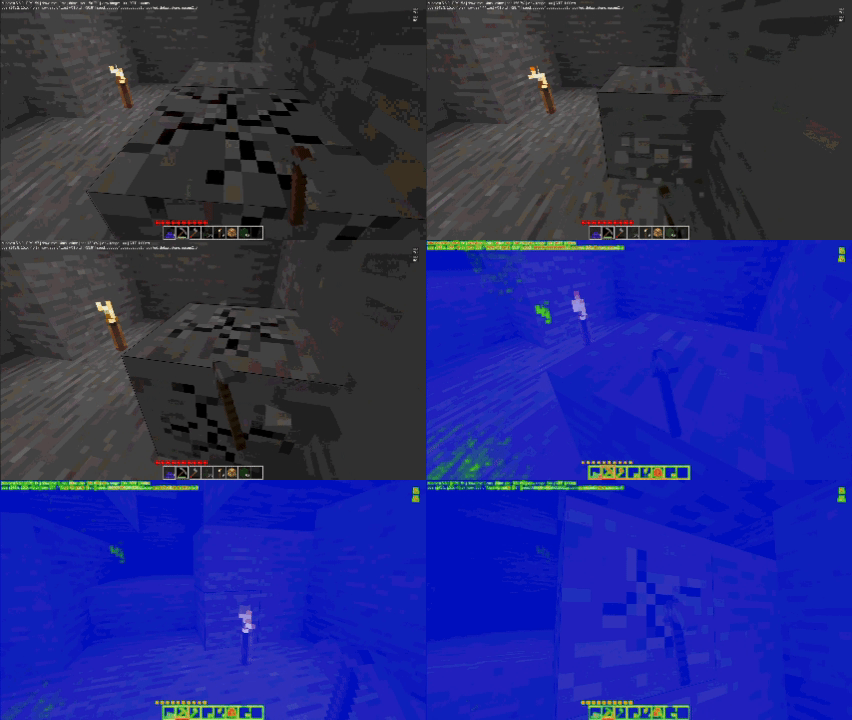
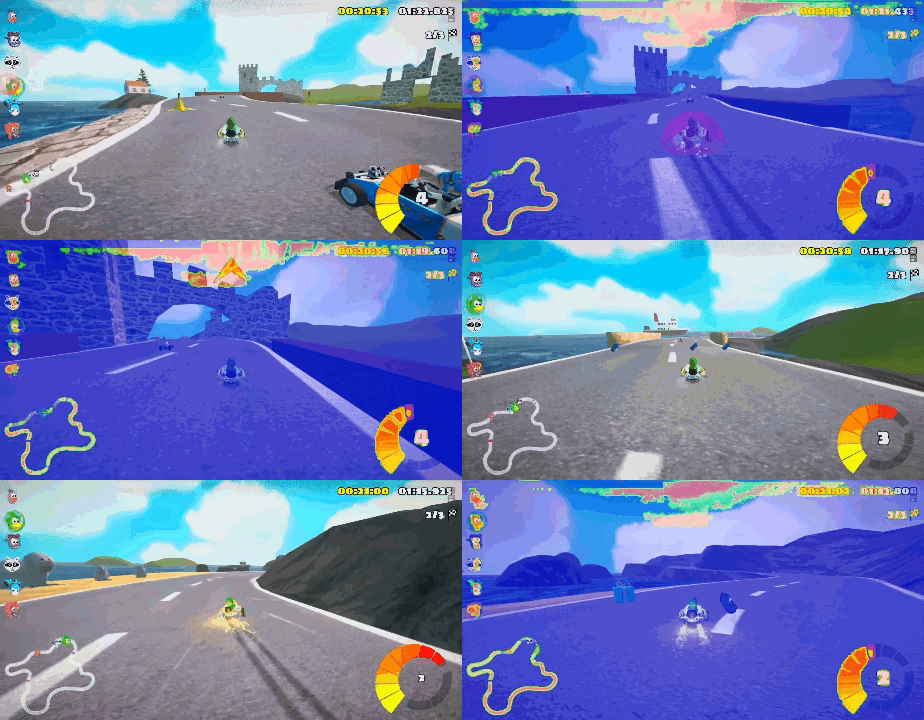
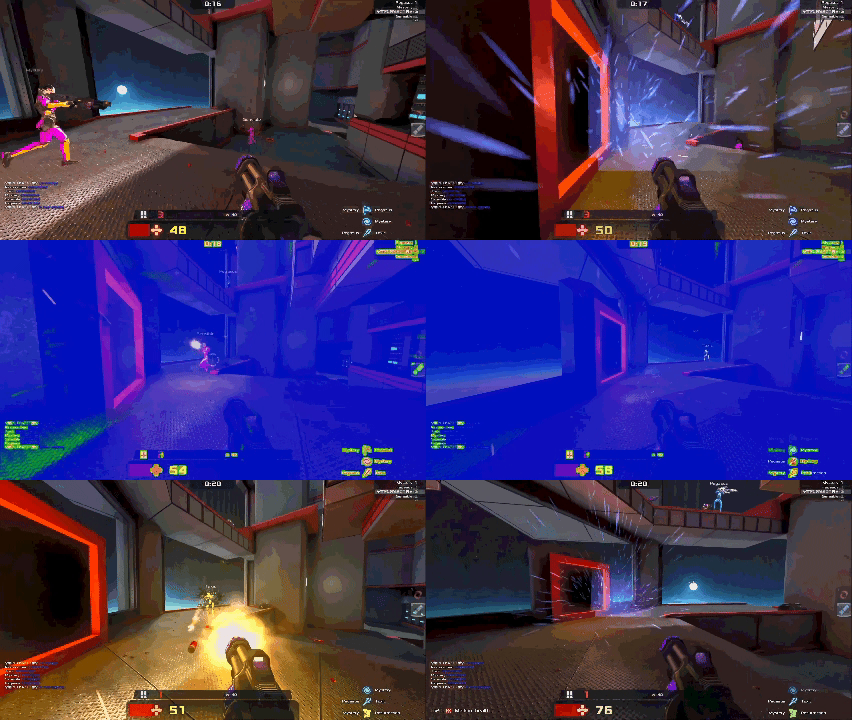
Real gameplay footage with OLED Guard Pro running. Protection that's invisible when it needs to be.

Minecraft

Minecraft

Protection overlay active during gameplay — HUD elements and static UI are dimmed while the center gameplay area stays clear.

In-Game Overlay

In-Game Overlay

Real-time content-aware protection running seamlessly on top of borderless fullscreen gameplay.

Edge Protection

Edge Protection

Edge-weighted gaming mode protects HUD-heavy screen borders while keeping the action area untouched.

Inside gaming mode

Protection tuned for how you actually play

Gaming mode is not a separate app. It is the same per-pixel engine, shaped for the realities of games: HUDs at the edges, the action in the centre, borderless fullscreen, and a frame budget you cannot afford to spend.

HP 74/10042/96AMMOSCORE12 480SESSION 04:12:00HUD EXPOSURE RISINGEDGE-WEIGHTED PROTECT
The threat

Game HUDs are exactly what burns in

Health bars, minimaps, ammo counts and scoreboards sit in the same pixels for hours. That is the textbook recipe for burn-in. Gaming mode weights protection toward the periphery where HUDs live, so the static chrome is treated while the centre of the action stays untouched.

health · ammo · minimap · scoreboard — static for an entire session

GAME SWAPCHAINOLED GUARD OVERLAYDWMcompositeon screenBORDERLESS · protectedEXCLUSIVE · auto-pause
Compatibility

Keeps protecting inside borderless fullscreen

Screensavers and pixel-shifters give up the moment a game takes the screen. OLED Guard composites its overlay on top of the game through DWM, so borderless fullscreen stays protected. In legacy exclusive fullscreen it auto-pauses while the game owns the swap chain, then resumes the instant you alt-tab.

borderless: protected · exclusive: auto-pause then resume

FOREGROUND TITLE → PRESETauto-switchCompetitive FPSedge 38% · dim 5/10Open-world RPGedge 30% · dim 6/10Racing / simedge 22% · dim 7/10Strategy / RTSedge 45% · dim 8/10profile follows the foreground window · no manual toggling
Automation

A preset per game, switched on launch

A twitchy shooter and a slow strategy game want different protection. Assign a preset to each title once; the profile follows the foreground window automatically when you launch it. No menus, no manual toggling mid-session.

profile follows the foreground title — edge radius, dim cap and delay per game

PER-FRAME GPU BUDGET · 165 Hz · 6.06 msyour game renders hereOLED Guard overlay< 1% of frameFRAMERATE165fpsoverlay on · no dropFRAME TIME6.0 ms · flat under load
Performance

Under 1% of your frame budget

The whole hot path is a shader that runs on the GPU, next to the frame you are already rendering. There is no capture round-trip to the CPU, so the overlay costs a sliver of each frame and your framerate does not move under load.

shader-only · GPU-resident · a sliver of each 165 Hz frame

New in v5

Game IQ learns your game HUDs

The base engine tracks exposure everywhere on screen. Game IQ adds a layer on top just for games: it learns the persistent HUD regions in each title and brings protection back to them faster the next time they appear.

Learns per game, locally

Game IQ learns the stable HUD regions in each game on your PC. Nothing about what you play leaves the machine.

Only in fullscreen Gaming

It only learns and applies its floor in fullscreen Gaming sessions, so your desktop, media, and menus never pick up a game-HUD floor by mistake.

A one-way safety floor

The learned floor can only add protection on top of what the base engine already decided. It never lowers protection, and it falls back to the base engine when unsure.

Why Gamers Choose OLED Guard

Purpose-built for the unique burn-in challenges that gaming creates on OLED displays.

Borderless Fullscreen

Keeps working inside borderless fullscreen — the mode most gamers actually play in. Screensavers and pixel-shifters can't.

Negligible Performance Cost

Typically under 1% GPU overhead. Windows Graphics Capture / DXGI Desktop Duplication plus shader-only processing keeps the hot path on the GPU.

Edge-Weighted Protection

Stronger protection at screen edges where HUDs live. Health bars, minimaps, and scoreboards stay protected.

Center Relief

The protection field eases off in the center of the screen where dynamic gameplay happens, so the action stays clear.

Multi-Monitor Gaming

Side monitors stay protected while you game on the primary. Each display runs its own independent overlay.

Per-Game Profiles

Assign different protection presets to each game. Settings switch automatically when you launch a title.

The Gaming Burn-In Problem

Without OLED Guard

  • HUD elements burn in after long sessions
  • Health bars and minimaps leave permanent ghosts
  • Taskbar burns in during alt-tab breaks
  • Other tools don't work in borderless fullscreen

With OLED Guard

  • Real-time per-pixel protection tracks actual risk
  • Edge-weighted mode targets HUD areas specifically
  • Keeps working inside borderless fullscreen
  • GPU-accelerated — typically under 1% FPS cost

Wondering if your monitor's built-in pixel shift already covers this? See why pixel shift and screensavers fall short on OLED.

Ready to Game Worry-Free?

OLED Guard Pro is available on Steam and the Microsoft Store. One-time purchase, lifetime license.

Get on Steam